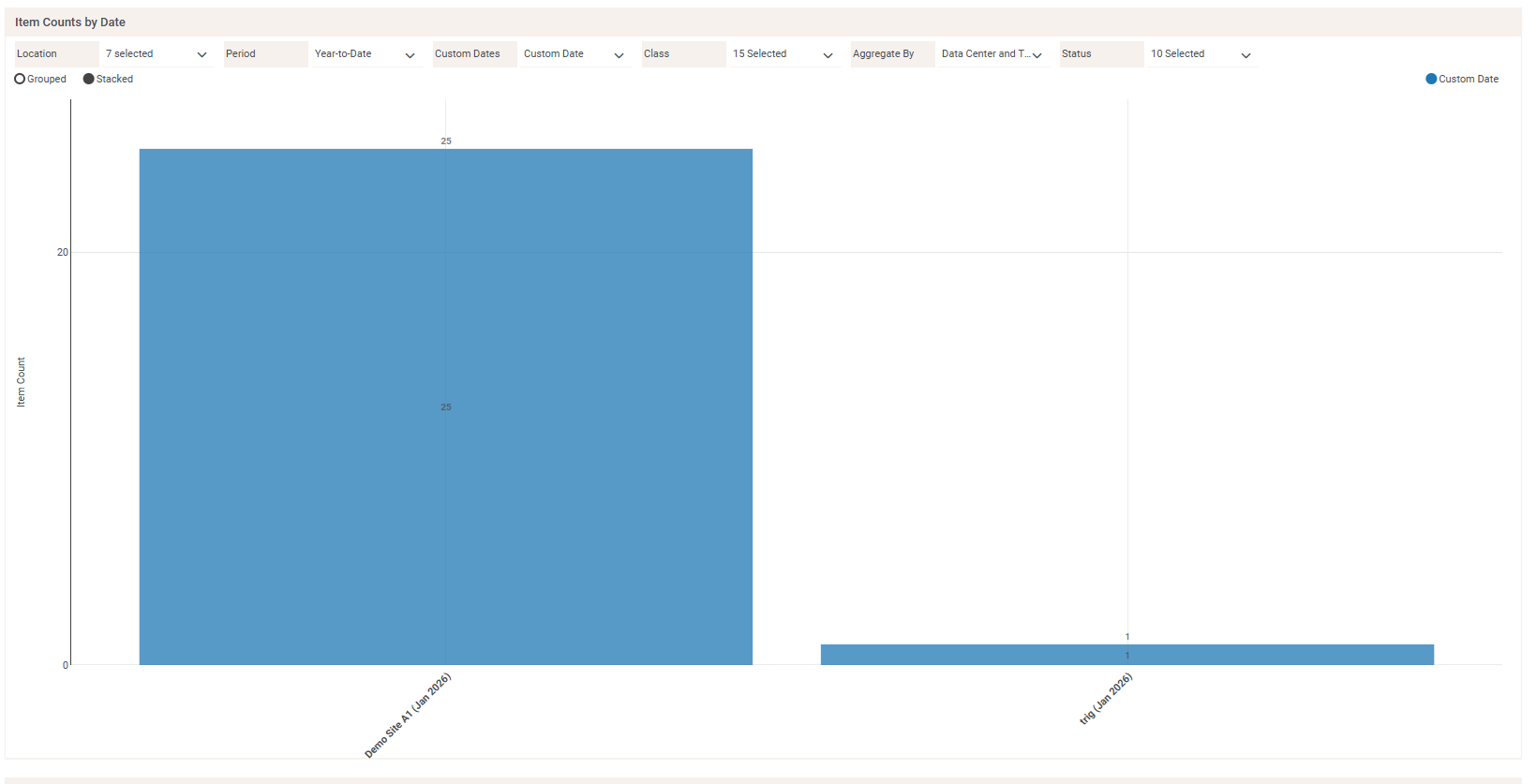
Shows for the period the count of items per data center or data_center and time interval by custom date, item class and item status.

Chart Widget - Item Counts by Date
Additional Info
- Date Created: Wednesday, 18 March 2026
- Category: Items Inventory
-
Dependencies:
This widget counts the number of items that have a custom date falling within a specified threshold of time. The user can use the 'Custom Dates' parameter to select from a picklist of custom date options. These custom date options are pulled from the list of date-type custom fields that have been created in their instance of dcTrack.
To create a custom field that will appear in the 'Custom Dates' parameter dropdown, navigate to Settings > Field Management > Custom Fields and click the button that says, 'Add a Custom Field.' The Create Bar will display immediately below the Custom Fields tab menu. In the Create bar, click the dropdown field labeled 'Select Type' and set the Custom Field type to 'Date.' It is also recommended that the user sets the 'Select applies to' dropdown to 'Item', as this widget is counting items.
Download attachments:
- item_counts_by_custom_date_past_last_period.zip (0 Downloads)
Image Gallery